
Program Type:
Science & TechnologyAge Group:
AdultsProgram Description
Event Details
Join us each month on every fourth Tuesday from 2:00 – 3:00 PM for an additional Senior Planet lecture or workshop designed to help adults learn new skills, make new friends, and so much more. Each session will cover a different topic, offering practical tips and hands-on learning.
The topic for this week's workshop is Using the Contacts App on an iPhone.
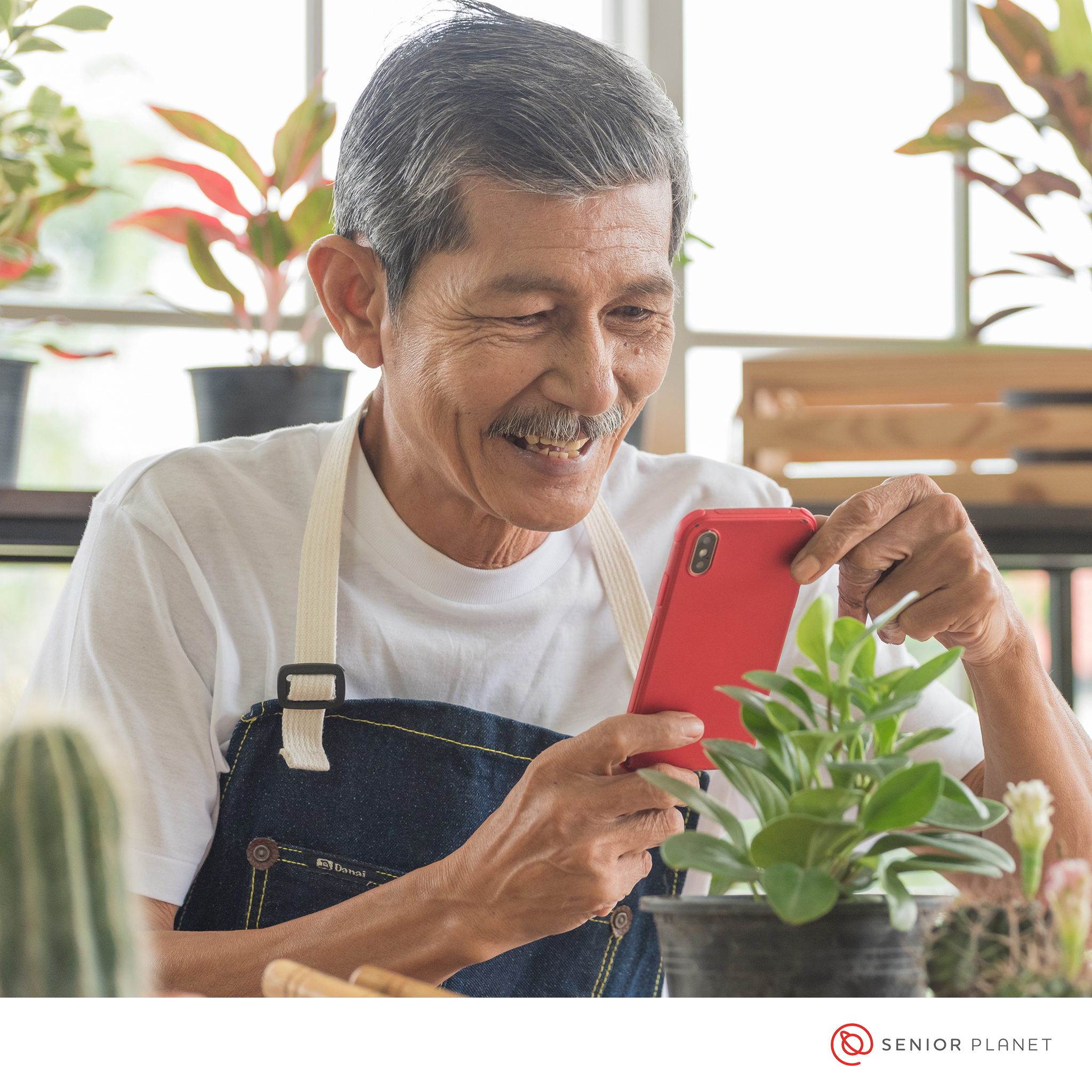
In this hands-on session, you'll learn how to make the most of the Contacts app on your iPhone. You'll never lose a phone number, address, or email again, even if you get a new phone! You’ll learn to add, edit, and merge contacts. We'll also go over some helpful tips for managing your contacts and keeping them organized. Please bring your own iPhone to class.
This workshop includes hands-on practice and requires an iPhone. iPhones will not be provided.
This presentation is a part of the Senior Planet Licensing curriculum provided by Senior Planet from AARP.
Disclaimer(s)
Registration Required
Registration for this event is required.
Accessibility
The library makes every effort to ensure a welcoming and accessible environment. We can provide accommodations for people with disabilities or food allergies at library events. Please contact programs@mfplibrary.org at least seven days before the event to request accommodations.
Age Guidelines
Successful library programs are designed with age in mind. Please note this program’s age guidelines. Attendance at all library programs is subject to staff discretion.
Photo Permission
Library workers often take pictures during library programs to use in promotional materials and online. If you do not want your photo used, contact programs@mfplibrary.org.